
Using a CRM to Manage Growth and Customer Engagement
By Alvena Ode, Founder & CMO, Blastily · 3 min read
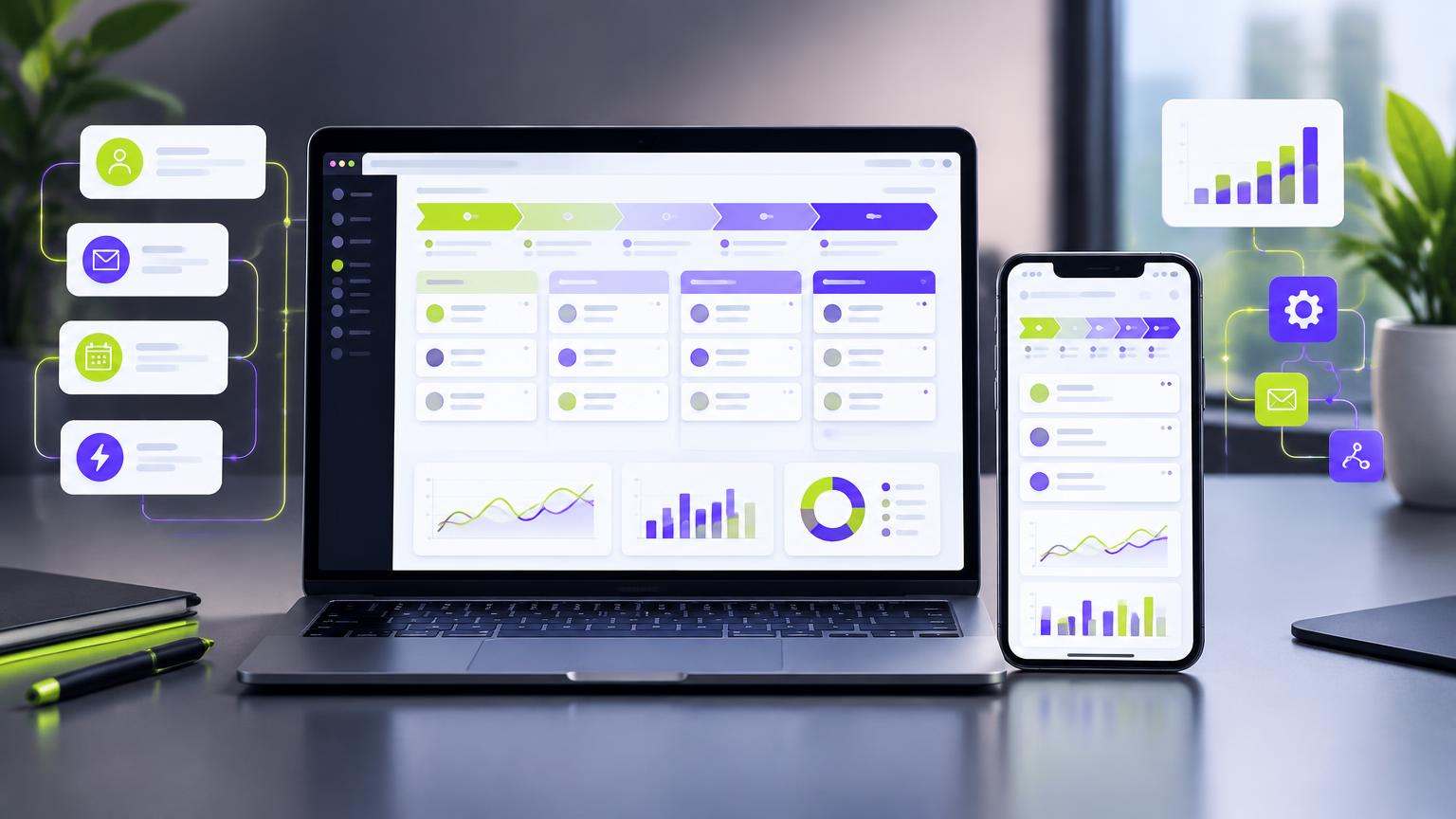
Spreadsheets and sticky notes work until they don't. A missed follow-up here, a forgotten client there, and growth slows. A CRM for small business keeps every lead, client and conversation in one place, so nothing slips. Here's how to set one up and use it well.
This guide is part of our client acquisition strategy series.
What a CRM does
- Stores contacts, companies and history
- Tracks deals through your sales pipeline
- Reminds you of follow-ups
- Records where every lead came from
- Automates routine emails and tasks
- Reports on what's working
What to track
| Field | Why it matters |
|---|---|
| Lead source | Shows which channels bring clients (CAC by channel) |
| Pipeline stage | Shows where deals stall |
| Deal value | Forecasts revenue |
| Next step and date | Prevents forgotten follow-ups |
| Notes and history | Anyone can pick up the relationship |
| Consent status | Required for marketing emails under CASL |
| Client type / segment | Personalization and reporting |
Set up your pipeline
Keep stages simple and clear:
- New lead
- Contacted
- Discovery / qualified
- Proposal sent
- Negotiation
- Won / lost (with a reason)
Map your stages to your sales funnel or nurture funnel.
Track lead source properly
Add a required "lead source" field with consistent options: radio, billboard, TV, podcast, Google search, social ad, referral, event, PR/media, partner. Pair it with the "how did you hear about us?" question (survey tips). This is how you learn which advertising actually brings clients.
Automate the routine
- Instant confirmation emails for new enquiries
- Follow-up reminders for sales
- Nurture email sequences
- Task creation at each pipeline stage
- Review and referral requests after a project ends
Automation should support personal contact, not replace it.
Choosing a CRM
Consider:
- Ease of use: if the team won't use it, nothing else matters
- Features you need now (pipeline, email, forms, automation)
- Integrations with your email, calendar, website and ad platforms
- Cost as your team and contact list grow
- Data location and privacy options
Popular options for small businesses include HubSpot, Pipedrive, Zoho and Salesforce, among others. Compare features, service support and pricing before committing.
Habits that keep your CRM useful
- Every lead gets a source and a next step
- Update after every meaningful conversation
- Weekly pipeline review with the team
- Monthly clean-up of duplicates and stale deals
- Record reasons for lost deals
Privacy and consent
Store only what you need, secure access, and record consent for marketing emails. Canadian privacy laws apply to the personal information in your CRM; see privacy laws for marketers.
What you'll learn
After a few months of good data, your CRM answers the big questions: which channels bring the best clients, where deals stall, how long sales take, and which clients to nurture for additional work and referrals. Those answers make every marketing decision sharper; see advertising KPIs that matter.
Frequently asked questions
When does a small business need a CRM?+
When you can no longer keep track of leads, follow-ups and client history in your head, inbox or a spreadsheet, or when more than one person handles sales and client contact.
What should I track in a CRM?+
Contacts and companies, lead source, pipeline stage, deal value, activities and notes, next steps and dates, and consent status for marketing messages.
Which CRM is best for small businesses?+
There are many good options at different price points, including HubSpot, Pipedrive, Zoho and Salesforce. Choose based on ease of use, the features you need now, integrations with your email and website, and cost as you grow.
How do I get my team to use the CRM?+
Keep it simple, make it the single place for client information, set a few clear rules (for example, every lead gets a source and a next step), and review the pipeline together weekly.
Work with Blastily
Want this done for you? Blastily plans and places PR, press releases, radio, TV and out-of-home campaigns for growing brands across Canada and beyond.
Talk to BlastilyKeep reading
- Client Acquisition Strategy: How Growing Businesses Win Clients5 min →
- How to Build a B2B Sales Funnel for a Growing Business3 min →
- Customer Retention Strategies That Turn Buyers into Long-Term Clients3 min →
- How to Win Over Hesitant and Difficult Clients3 min →
- Investor Updates: How to Keep Investors and Partners Warm3 min →
- GoHighLevel Marketing Automation in Canada: What to Build10 min →
- Email Blast Automation in Canada: A Practical Guide9 min →